
Arabic and English
Choose the language per recipient. The Arabic page reads right to left, and so do its emails.
Features
Hyo Sign covers the whole journey of a signature: preparing the PDF, sending it in the right order, signing on any device and keeping evidence anyone can verify. Here is what each part does.
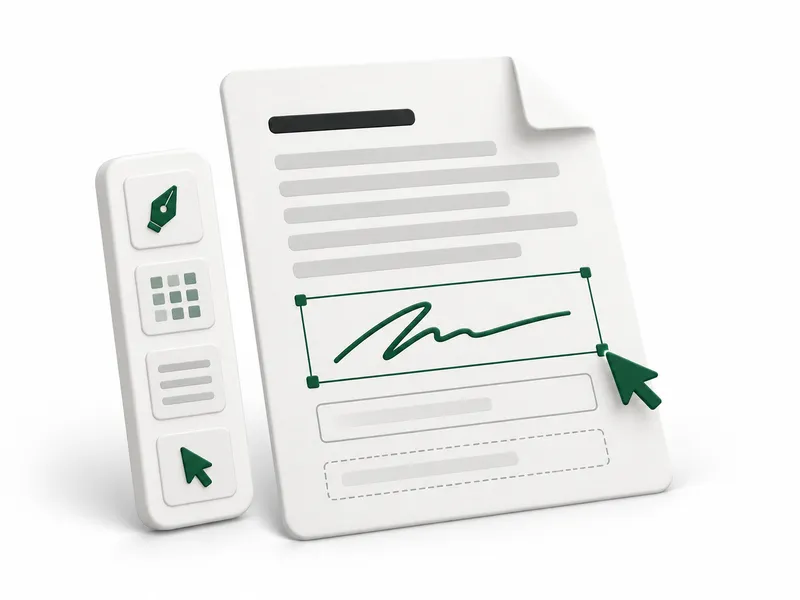
Field editor
Add one or more PDFs, choose the recipient, then drop fields on the pages. Each recipient has their own colour, and every field can be required or optional.
Signing order
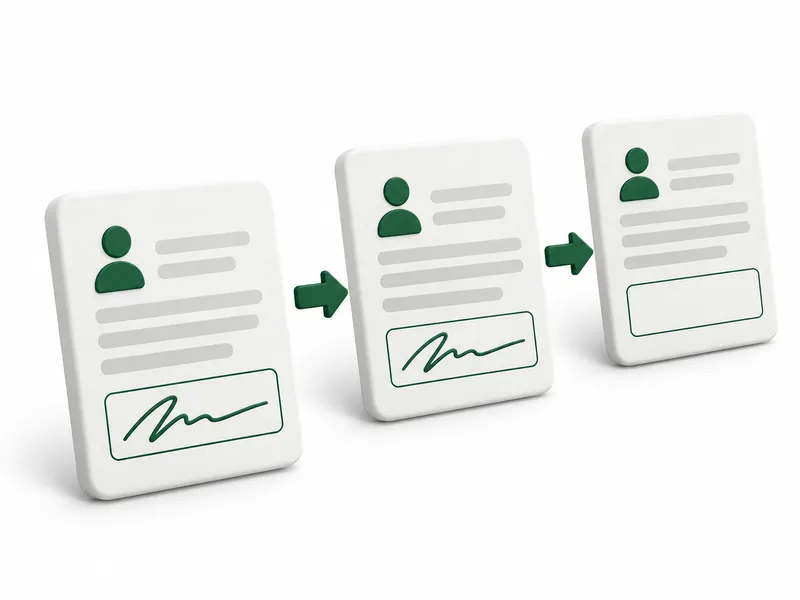
Give each recipient a role and an order. Recipients with the same number sign in parallel; higher numbers wait until everyone before them has finished.
Signing
Recipients sign from a secure email link without an account, or inside the workspace if they are members, on a phone, a tablet or a computer.
Choose the language per recipient. The Arabic page reads right to left, and so do its emails.
A personal link, plus an optional six-digit code sent to the same email address before the documents open.
Recipients adopt their signature and initials by drawing, typing their name or uploading an image.
A recipient who disagrees can decline. The request stops for everyone and the sender is told why.
Evidence
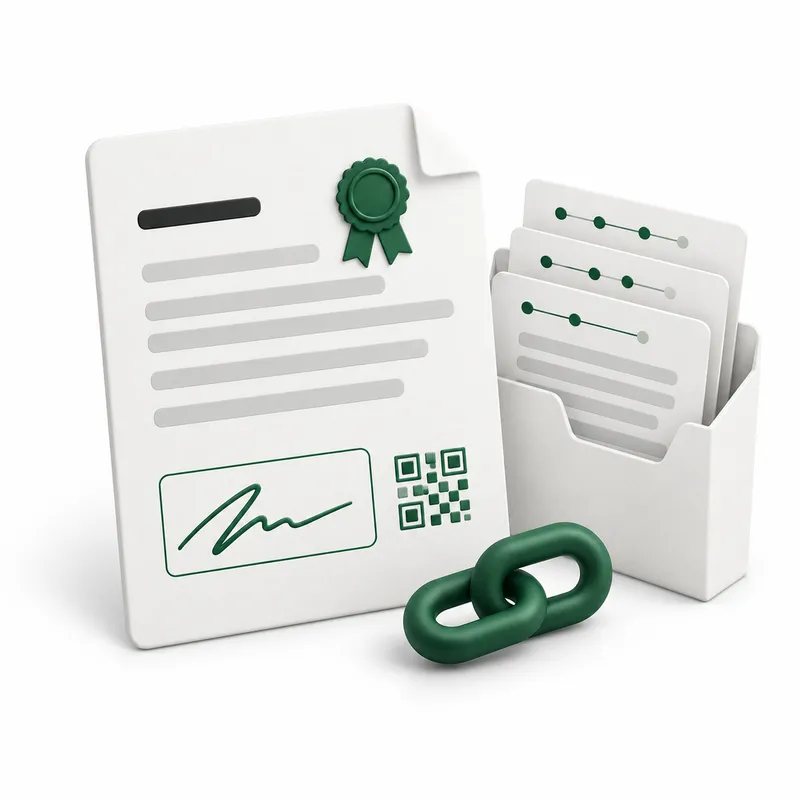
When everyone has finished, Hyo Sign produces the signed documents and seals a record of everything that happened.
Signatures and field values flattened into the pages, with the Hyo Sign reference.
A bilingual certificate of completion with document fingerprints, recipients and a QR code.
A ZIP with the signed files, the event chain, the evidence manifest and its seal.
A public page where anyone with the link can confirm the record and check a PDF against it.
Signed documents and certificates are saved with a Signed label next to the customers and projects they belong to.
Owners and admins see every agreement, managers send their own, employees see the ones they take part in.
Save a prepared request once and reuse its documents, roles and fields for every new agreement.
Draft, sent, in progress, completed, declined, voided or expired: everyone knows where each agreement stands.
A Sign panel in your HyoNova office world lists what is waiting for you, so you can review and sign there.
Signing links and codes are never stored in readable form, and the HyoNova team never sees agreement content.
Sign up for free at app.hyonova.com; Hyo Sign is already in your workspace.
Upload the document, add company members or external people, and set the order.
Drop a signature field for every signer, choose the security and expiry, and send.
See who has signed and who is next, then download the signed PDF and the certificate.
The field editor, templates, evidence and verification are included. You only add envelopes when you send more.
One HyoNova account: sign-up, sign-in, billing and usage all happen at app.hyonova.com.